Roles & permissions
Access in PullPress is layered: a workspace role, a site role per site, and — optionally — per-collection access for editors. This page shows exactly how the layers combine.
The three layers
Every person has one workspace role. Workspace owners and admins automatically see and manage every site in the workspace. A plain member has no access by itself: they only see the sites they were explicitly added to, with a site role per site. For editors, an optional collection access list narrows things down one step further.
Workspace roles
- Owner — everything an admin can do, plus the subscription/billing, deleting the workspace and ownership itself: only an owner can make someone an owner, change an owner's role or remove an owner. There is always at least one owner.
- Admin — sees and manages every site in the workspace: content, members, settings and configuration. Writes everywhere, so an admin counts as a paid writer seat.
- Member — no access on its own. Combine with site roles below; the person sees only those sites. Removing someone from the workspace also removes all their site roles in it, so access ends everywhere at once.
Site roles
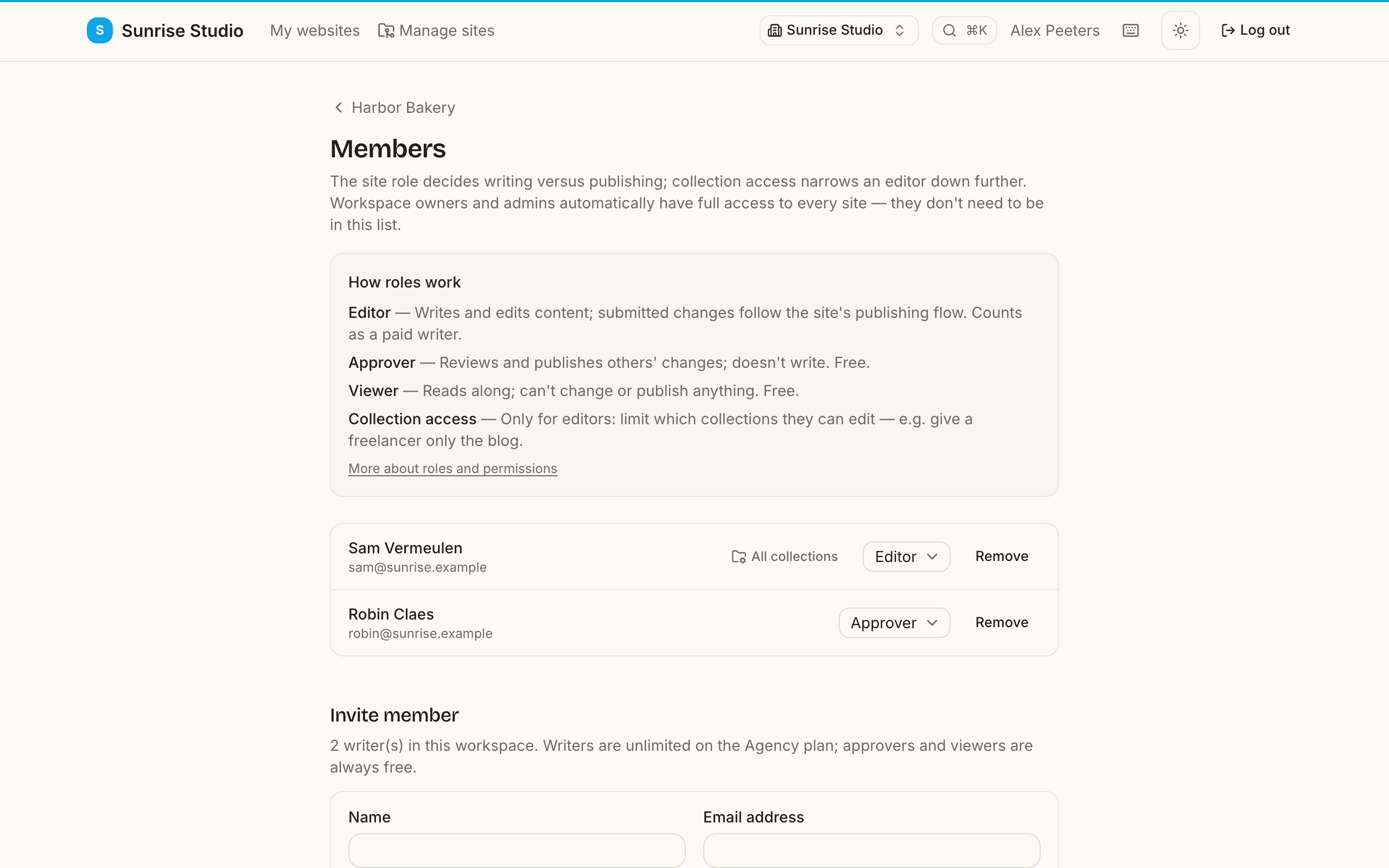
The site role decides writing versus publishing. Writing and approving are deliberately separate: editors author, approvers review — a change always passes a second pair of eyes (unless the site uses the “publish directly” flow).
- Editor — writes and edits content; submitted changes follow the site's publishing flow. Editors can't publish other people's changes. Paid writer seat.
- Approver — reviews and publishes changes made by others, but never starts new content. To spare a writer a round trip for a typo, an approver may correct a change that is waiting for approval and publish it in one go (Fix on the review page). Approving is always site-wide (collection access doesn't apply). Free.
- Viewer — read-only: browses content, can't change or publish anything. Free.
Workspace owners and admins automatically hold the full site-admin role on every site in their workspace — they never need a separate site membership.
Collection access (editors only)
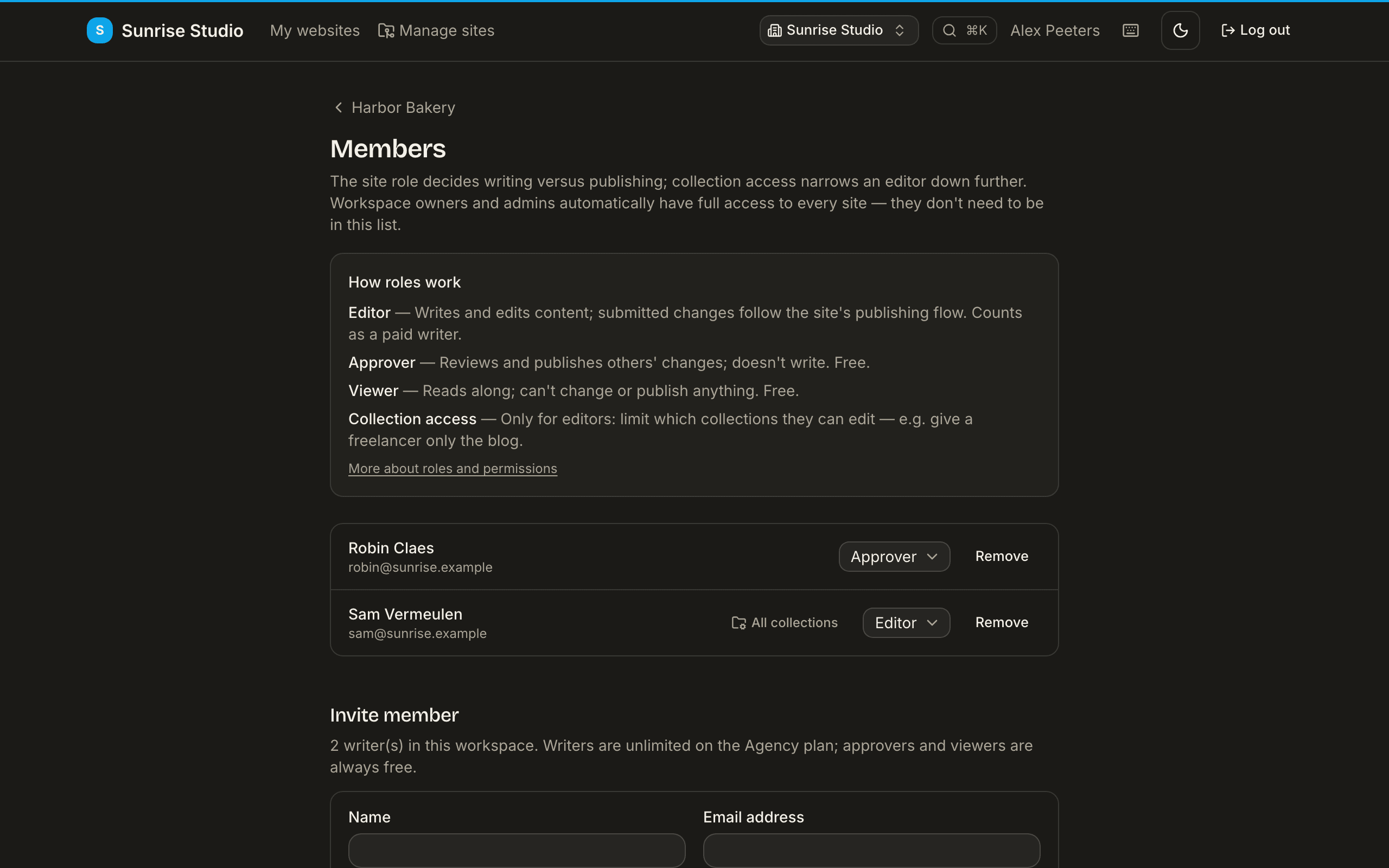
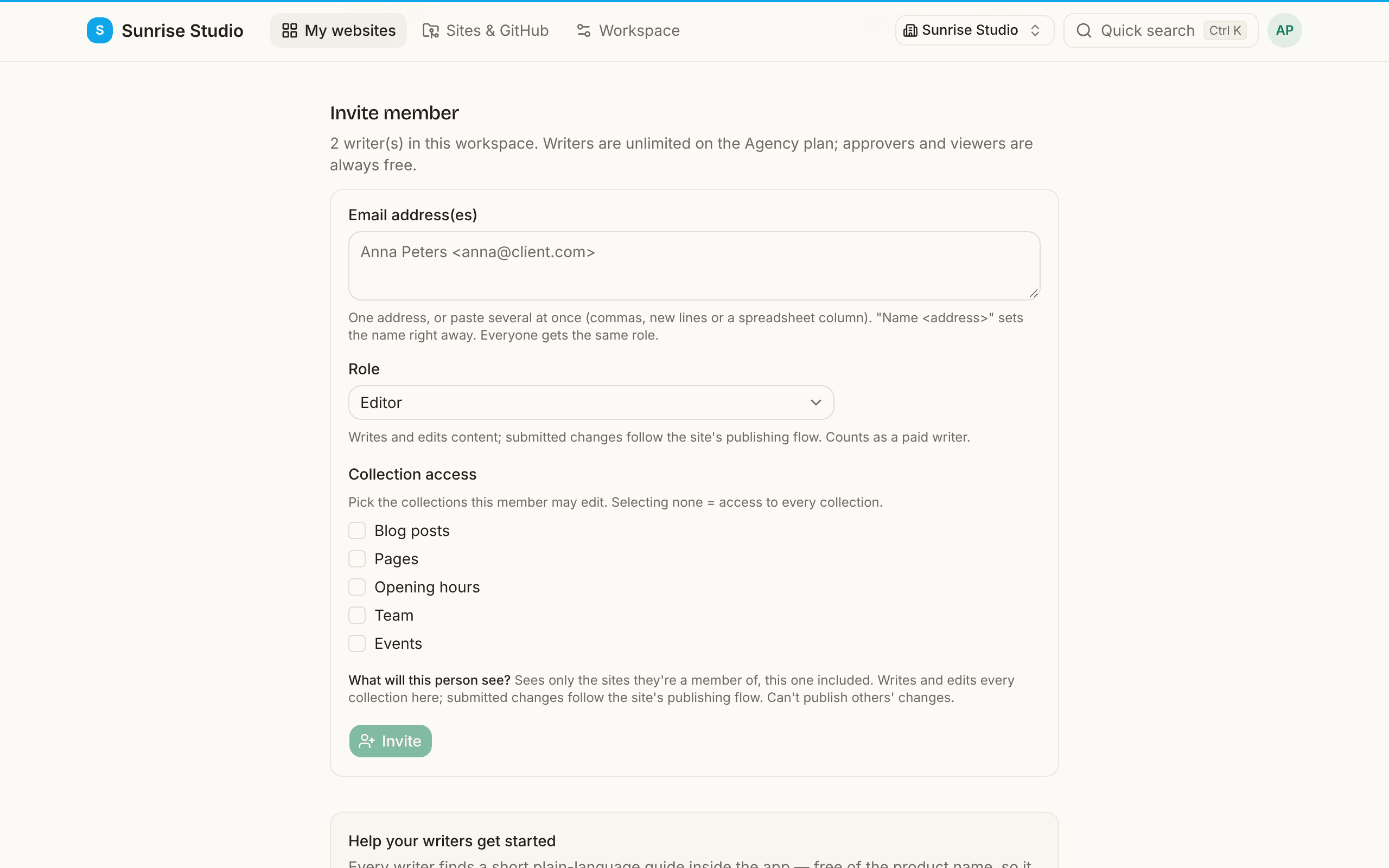
On a site's Members page you can limit an editor to specific collections — e.g. give a freelancer only the blog. They still see the rest of the site read-only, but can create and edit entries only in the listed collections. Selecting nothing means access to every collection. Because approvers and viewers never author, collection access only applies to editors.
The full matrix
| Capability | Workspace owner | Workspace admin | Site editor | Site approver | Site viewer |
|---|---|---|---|---|---|
| Which sites they see | All in the workspace | All in the workspace | Only their sites | Only their sites | Only their sites |
| Read content | ✓ | ✓ | ✓ | ✓ | ✓ |
| Write & edit content | ✓ | ✓ | ✓ (within their collection access) | — | — |
| Review & publish others' changes | ✓ | ✓ | — | ✓ | — |
| Correct a pending change, then publish it | ✓ | ✓ | — | ✓ | — |
| Manage a site: members, settings, configuration | ✓ | ✓ | — | — | — |
| Manage workspace members | ✓ | ✓ | — | — | — |
| Billing & deleting the workspace | ✓ | — | — | — | — |
| Paid writer seat | Yes | Yes | Yes | Free | Free |
Seats are counted per person, not per site: whoever can write anywhere (owners, admins and site editors) occupies one paid writer seat; people who only read or approve are always free.
Three common setups
- A colleague at the agency who manages client sites: workspace admin. They see every site, invite members and change settings.
- A freelance writer for one client's blog: workspace member + site editor on that one site, with collection access limited to the blog. They see exactly one site and write in exactly one collection.
- The client who signs off: workspace member + site approver. They review and publish what the writers submit — free of charge, and they can't change content themselves.
Inviting a team
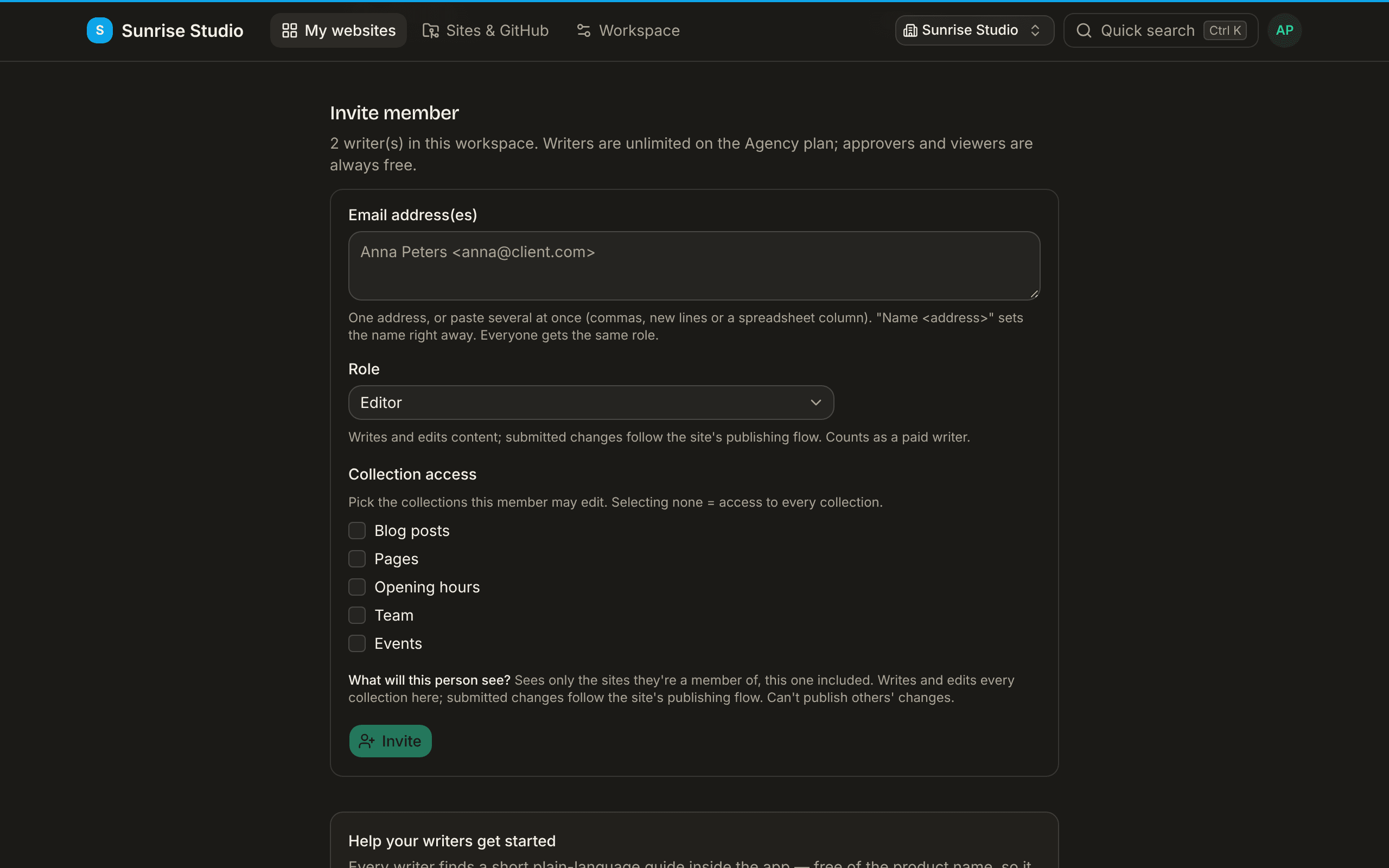
Invites live on a site's Members page. Add one person with a name, email and role — or onboard a whole client team in one action: paste a list of addresses (separated by commas, semicolons or newlines; a spreadsheet column, CSV rows with names and Name <email> entries work too) and apply one role, with optional collection access, to everyone. Every row reports its own outcome — invalid address, already a member, already invited — so a single typo never fails the batch, and a list that would exceed the invite rate limit is refused whole instead of half-sent. A workspace sends at most 30 invitations a day on the free plan and 300 on a paid plan. Names can't contain links or web addresses, and invite emails only make PullPress's own links clickable.
- Welcome email: invitees get a plain-language invitation naming the site and what happens next, with a personal link that signs them in directly (single use, valid for seven days; an expired link offers a fresh sign-in email). On white-label workspaces it carries the agency's brand and sender, never PullPress's.
- First login: an invited editor lands on their site with a short, dismissible "how this works" panel — write, submit, someone approves, it goes live — in their own language.
- Pending invites: people who haven't logged in yet are listed separately with resend and revoke, plus a one-click resend for all of them.
- People who already use PullPress: if the address already has an account (in another workspace), it isn't added behind their back: they get an invitation to accept or decline under Invitations in the app, and only join — and count as a seat — once they accept. Their invitation email links to the normal login page, never a direct sign-in.
- Writers' guide: every site has a brand-neutral in-app guide for writers; the members page shows the link so you can send it along with the invites.