Documentation
Split by audience — a writing guide for editors, and setup guides for administrators.
PullPress sits between your writers and your Git repository. You describe your content once in a small YAML file; PullPress turns it into friendly forms and a clean editor, and turns every change into a branch, a commit and a pull request.
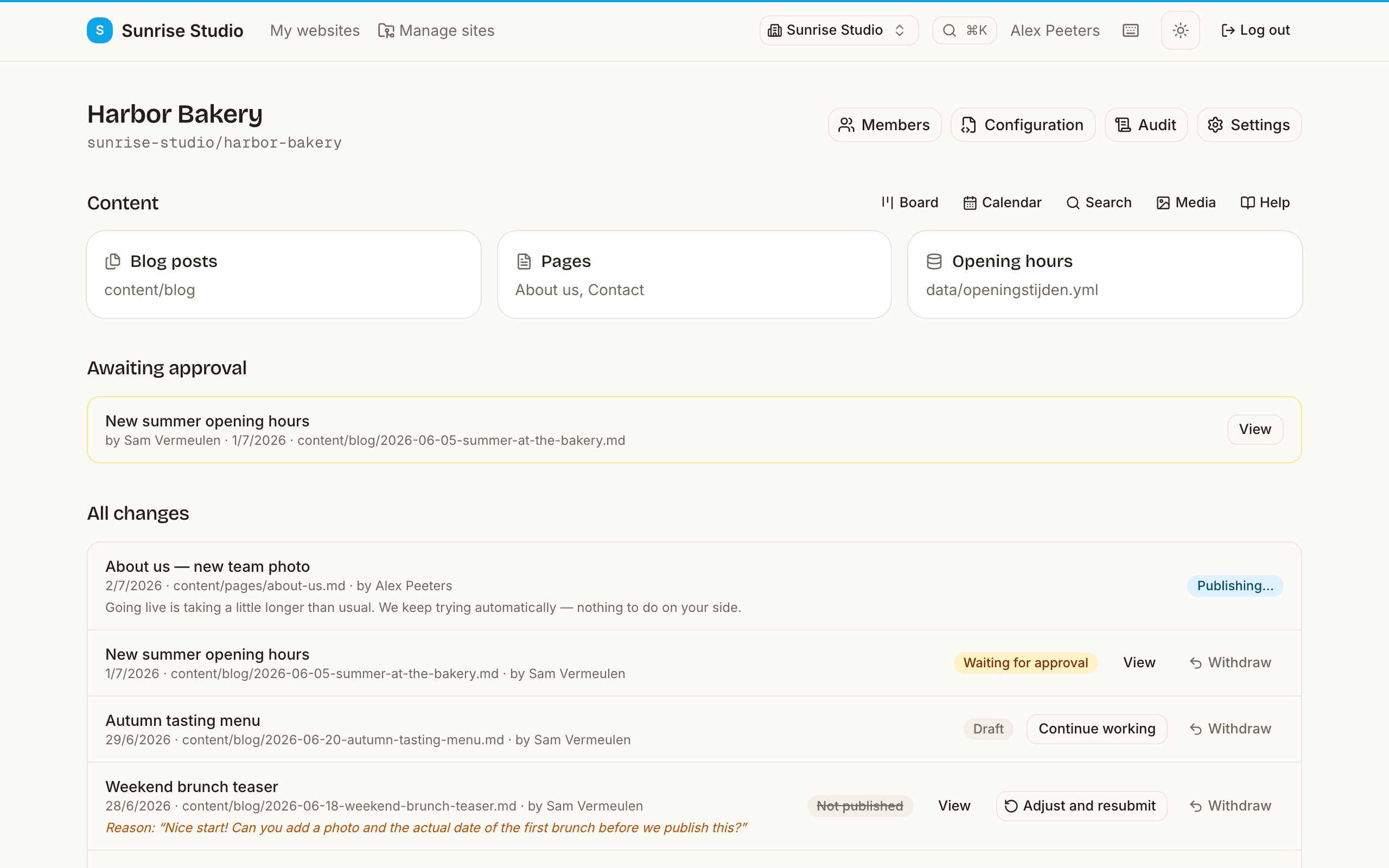
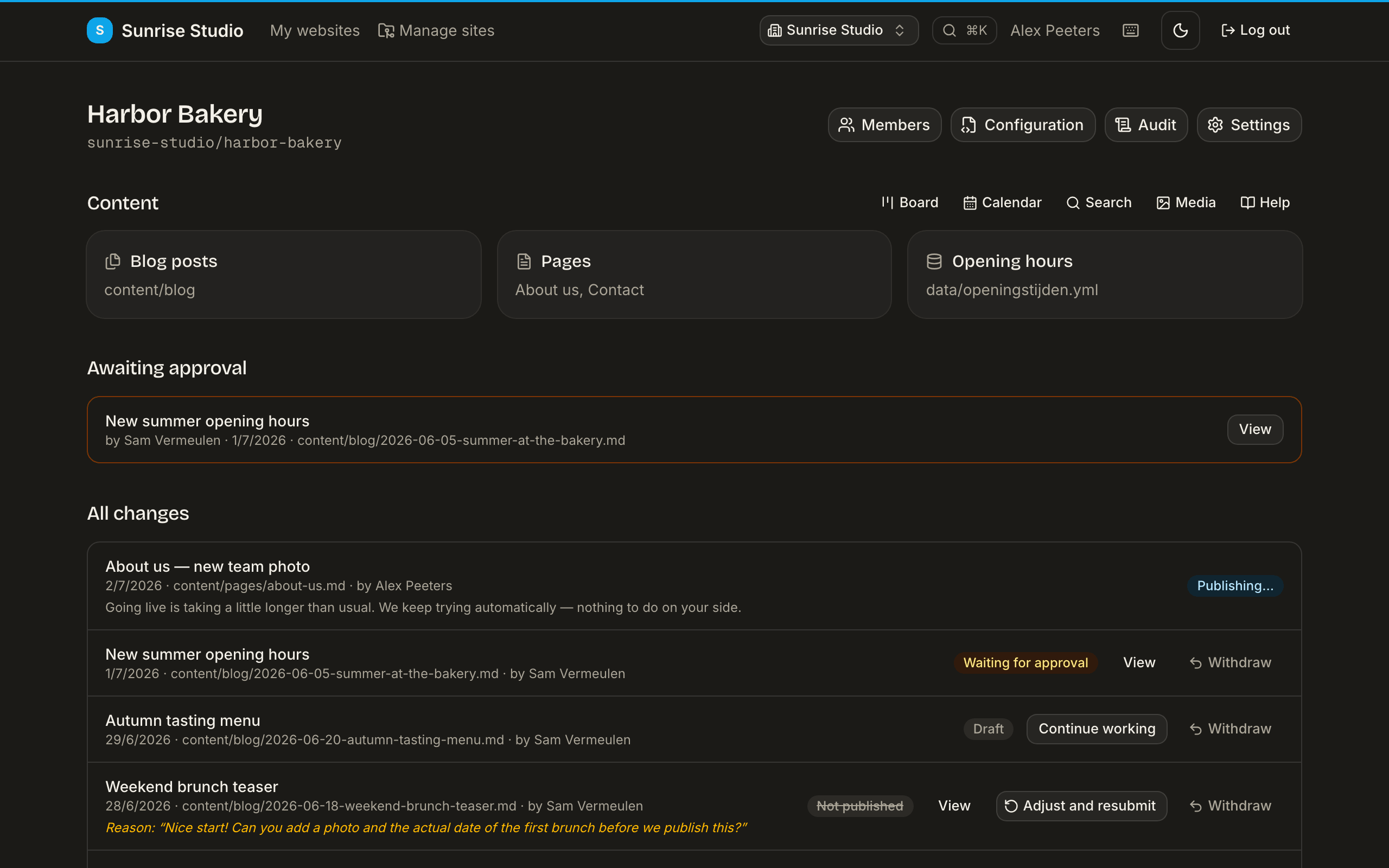
Finding your way around
- My websites (the dashboard) — what needs you, your sites and recent changes. More
- A site — its collections, your changes and, for approvers, the approval queue; plus Board, Calendar, Search, Media and Help. Board & calendar
- The editor — a form per entry with a rich text editor, and the Save draft / Submit / Publish bar at the bottom. Writing · Saving & publishing
- The review page — the change in plain language, quality checks, discussion and the approve / schedule / reject buttons. Reviewing
- Settings — per site (members, configuration, settings, audit) and per workspace (team, branding, billing, AI). Settings · Roles
- Your profile — name, language, notifications, API tokens and your data. Profile
Press ? anywhere in the app for the keyboard shortcuts and ⌘/Ctrl + K to jump anywhere.
For editors
Writing or reviewing content? Start here. No Git, no setup — just how to use PullPress day to day.
For administrators
Connecting repositories, defining the content model, and managing access and publishing flows.
Getting startedThe guided setup: connect a repo (or start from the demo site), confirm the detected structure, invite a writer, publish a first change.Roles & permissionsHow workspace roles, site roles and per-collection access combine — with the full permission matrix and common team setups.Site & workspace settingsEvery settings screen explained: previews, notifications, publishing flow, branding, the quality gate, archiving, the audit log, white-label, members and deleting a workspace.Migrate from Decap CMSComing from Decap (Netlify CMS)? How your existing config.yml is detected and converted.Configuration referenceEverything pullpress.config.yml can do: collections, field types, and media settings.AI & assistantsBring your own AI keys, connect Claude or ChatGPT over MCP, and decide exactly what an assistant may do.GitHub App setupWhat the PullPress GitHub App can (and cannot) do, how to install it, and how installations map to sites.